



Step-by-step cooking app

Step-by-step cooking
without the stove-side guessing.

Big readable steps. Timers. The adapted recipe in one place.

Choose a dinner, set your food profile, and let Kale AI turn the plan into Cook Mode: clear steps, built-in timers, recipe swaps, and shopping-list logic carried all the way to the pan.

Step-by-step cooking Cook Mode Built-in timers Recipe swaps Shopping list Food profile
The old way

A recipe can be correct
and still hard to cook.

Ingredients, swaps, timers, and side dishes are often scattered across notes and tabs.

Kale AI keeps the adapted cooking flow in one sequence.

Most cooking stress happens after the plan is made.

Cook Mode makes the next action visible while you cook.

A recipe step can forget your profile.

The adapted ingredients stay inside the cooking instructions.

Kale Diary · Free companion tool

Not sure which cooking steps trip you up?

Notice your cooking patterns first. Then plan and cook around them.

Before you decide what your kitchen flow should remember, it helps to notice what already repeats. Kale Diary is a free companion tool — log what you ate, note how the day felt, and let repeated meals and routines become easier to see. No barcodes. No database. As fast as a text message.

After a few days, Kale Diary can help you spot timing problems, missing sides, repeated shortcuts, and dinner routines that keep showing up in your notes.

Once you know what you want your kitchen profile to remember, Kale AI turns those preferences into plans, shopping lists, adapted recipes, and Cook Mode steps.

Kale Diary → notice patterns. Kale AI → plan and cook around them.

Try Kale Diary free Web-based · Works offline · Your data stays on your device
Cook Mode examples

Cooking gets calmer
when the next step is obvious.

Step-by-step cooking is not about making dinner fancy. It is about reducing uncertainty after the pan is hot.

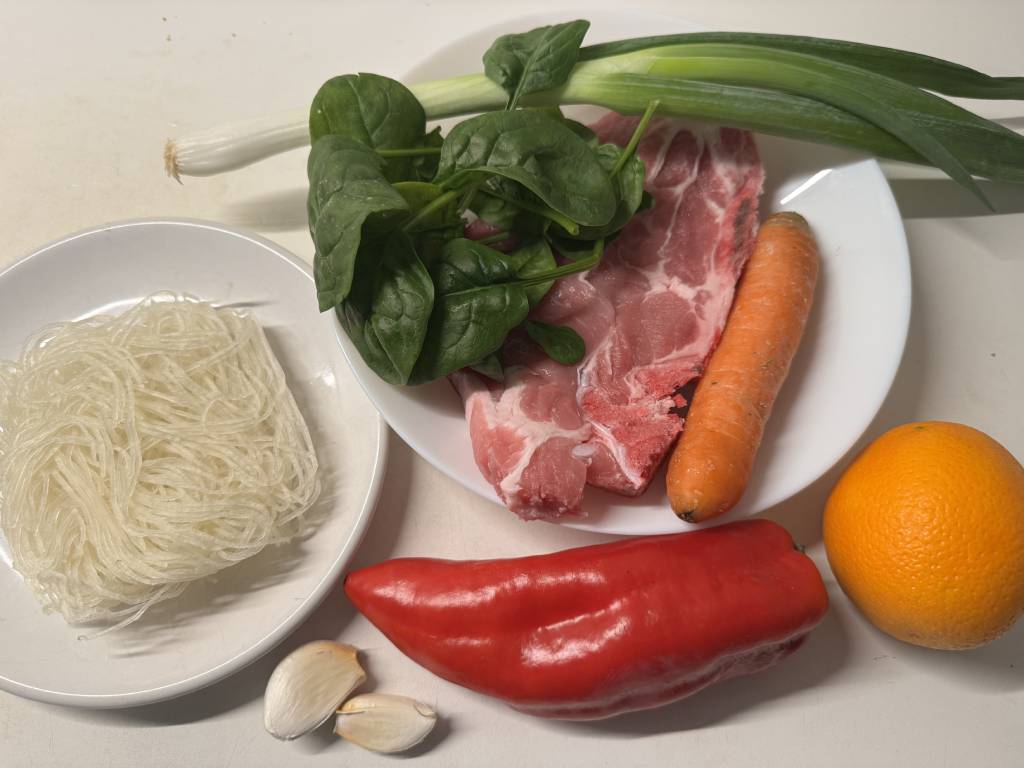
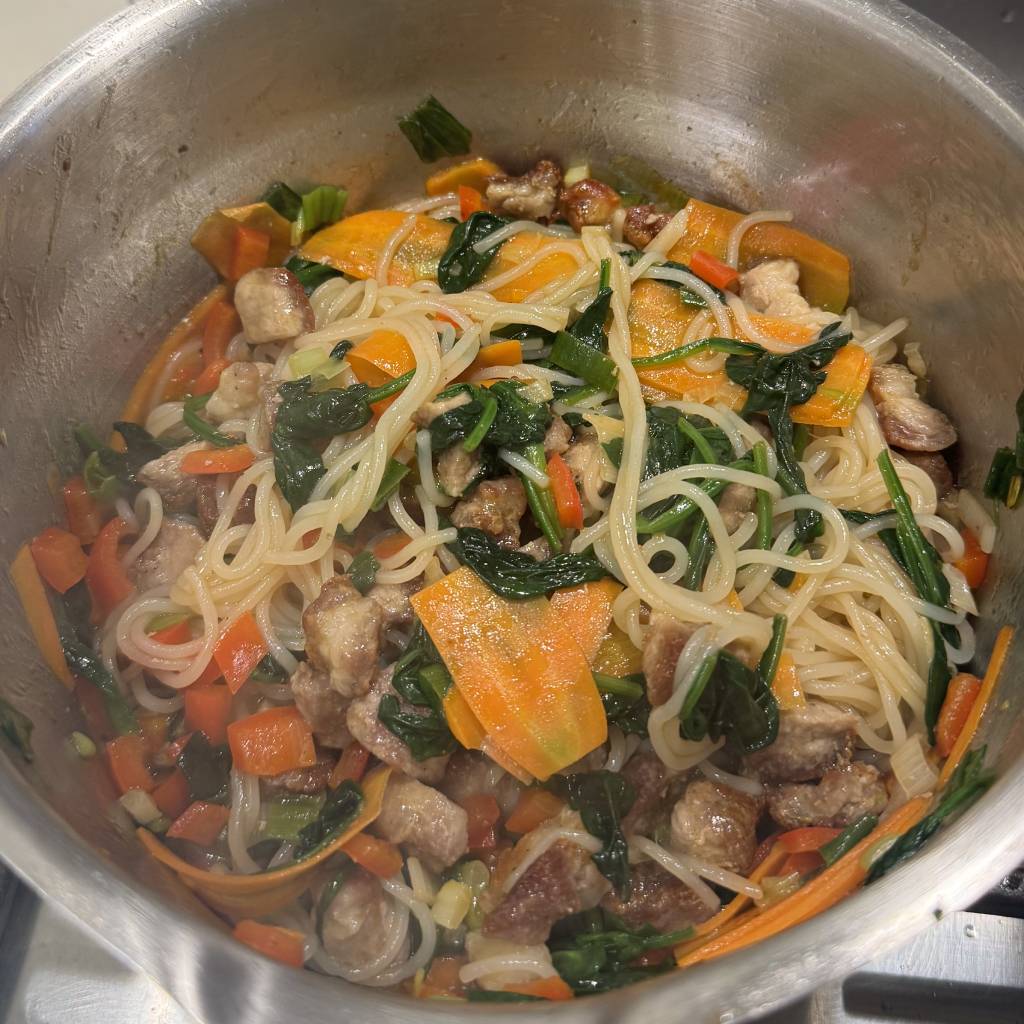
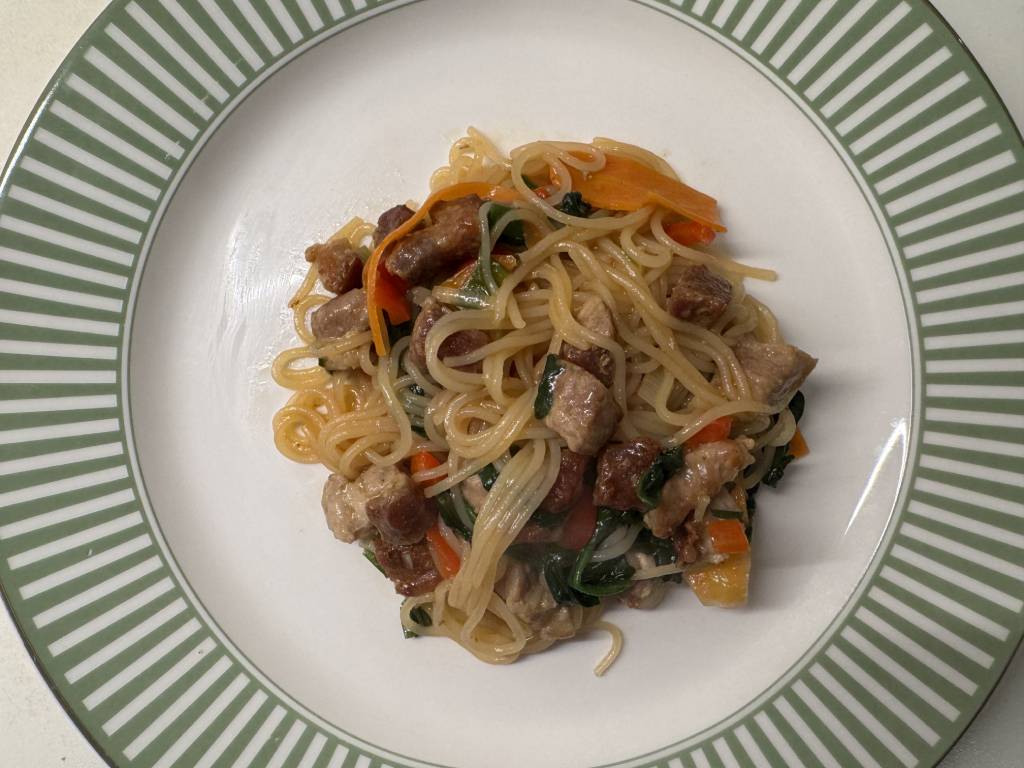
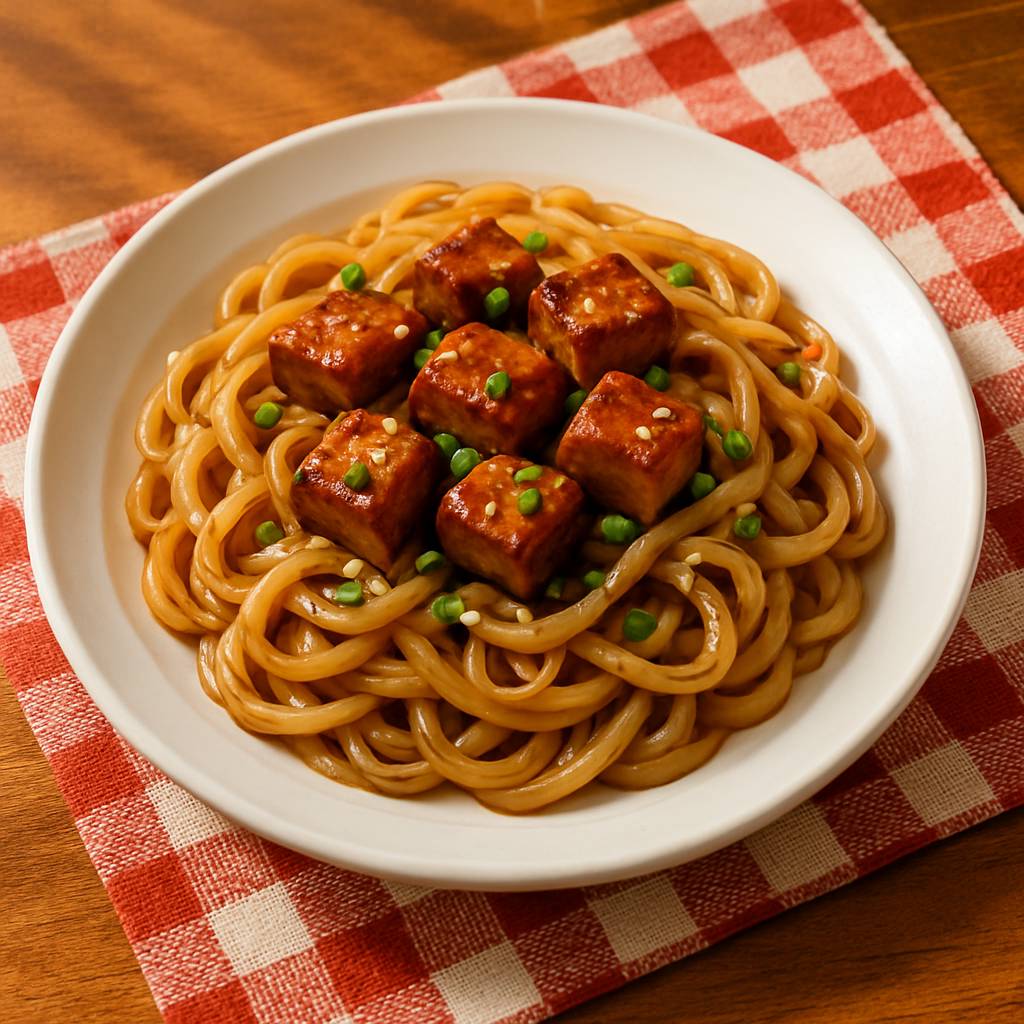
Citrus Ginger Noodle Skillet shown in Kale AI Cook Mode
Readable sequence

Citrus Ginger Noodle Skillet

30 min · Timed skillet
  • From Recipe paragraph
  • To Prep, sear, sauce, finish
  • Plus Timers in Cook Mode
Preparing Citrus Ginger Noodle Skillet Cooking Citrus Ginger Noodle Skillet Finished Citrus Ginger Noodle Skillet

Kale AI can make citrus ginger noodle skillet easier to cook by keeping timing, swaps, groceries, and Cook Mode steps connected.
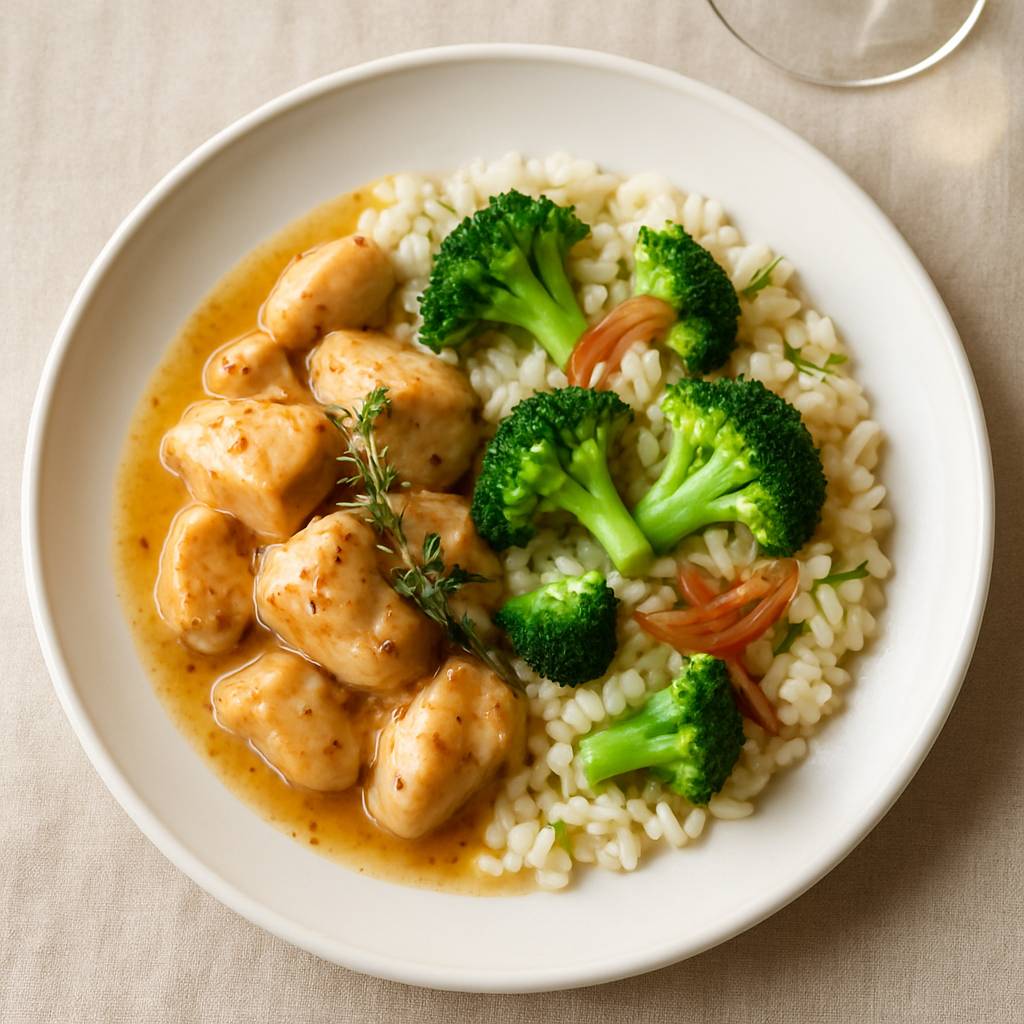

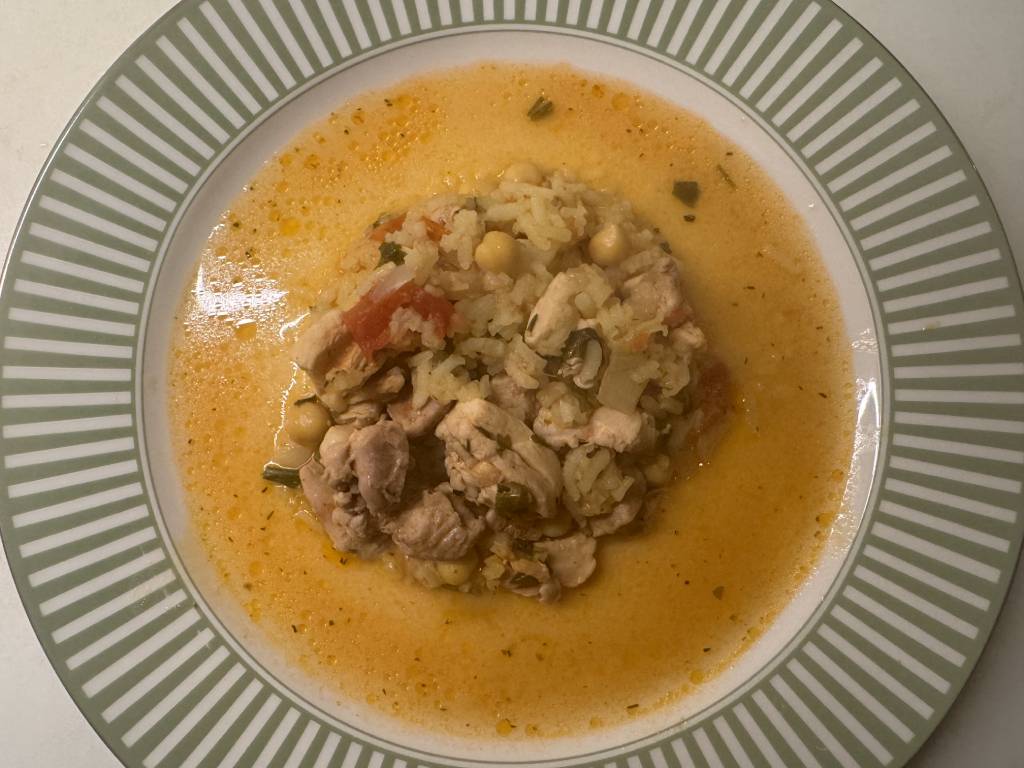
Bright Chicken with Herby Rice shown in Kale AI Cook Mode
Side included

Bright Chicken with Herby Rice

20 min · Side stays visible
  • From Main-only recipe
  • To Chicken, rice, greens
  • Plus Swap notes in steps

Kale AI can make bright chicken with herby rice easier to cook by keeping timing, swaps, groceries, and Cook Mode steps connected.
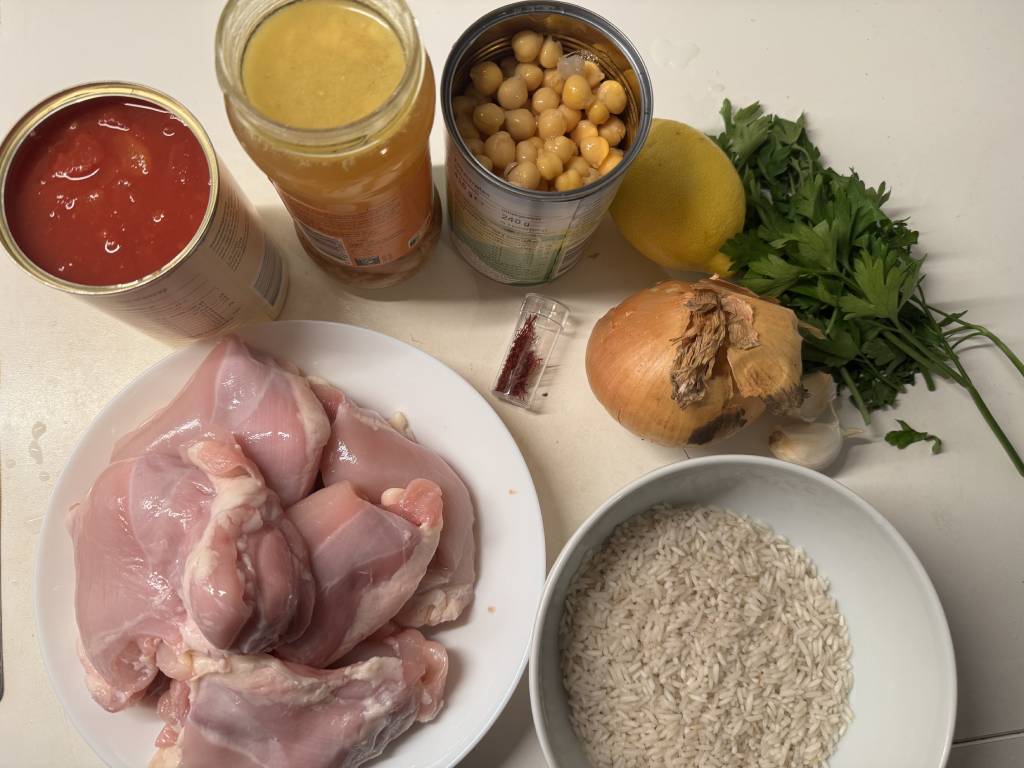
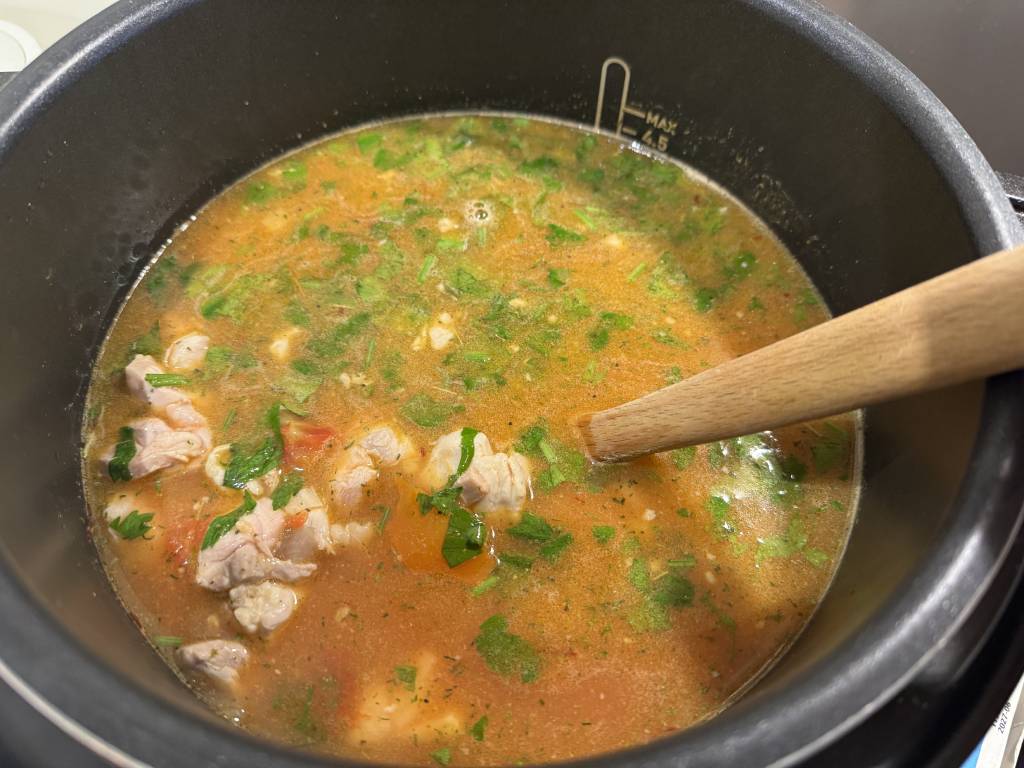
Smoky Chicken Cazuela shown in Kale AI Cook Mode
One-pot order

Smoky Chicken Cazuela

45–60 min · Clear sequence
  • From Unclear timing
  • To Aromatics, rice, simmer, finish
  • Plus Leftover notes
Preparing Smoky Chicken Cazuela Cooking Smoky Chicken Cazuela Finished Smoky Chicken Cazuela

Kale AI can make smoky chicken cazuela easier to cook by keeping timing, swaps, groceries, and Cook Mode steps connected.
The Kale AI way

Plan the dinner.
Cook the next visible step.

01

Choose or generate a dinner.

Start with a recipe, meal plan, or dinner idea shaped around your profile.

02

Let Kale AI adapt the method.

The app carries swaps, sides, timing, and shopping-list decisions into the cooking sequence.

03

Follow Cook Mode.

Cook from big readable steps with timers so you are not decoding the recipe while cooking.

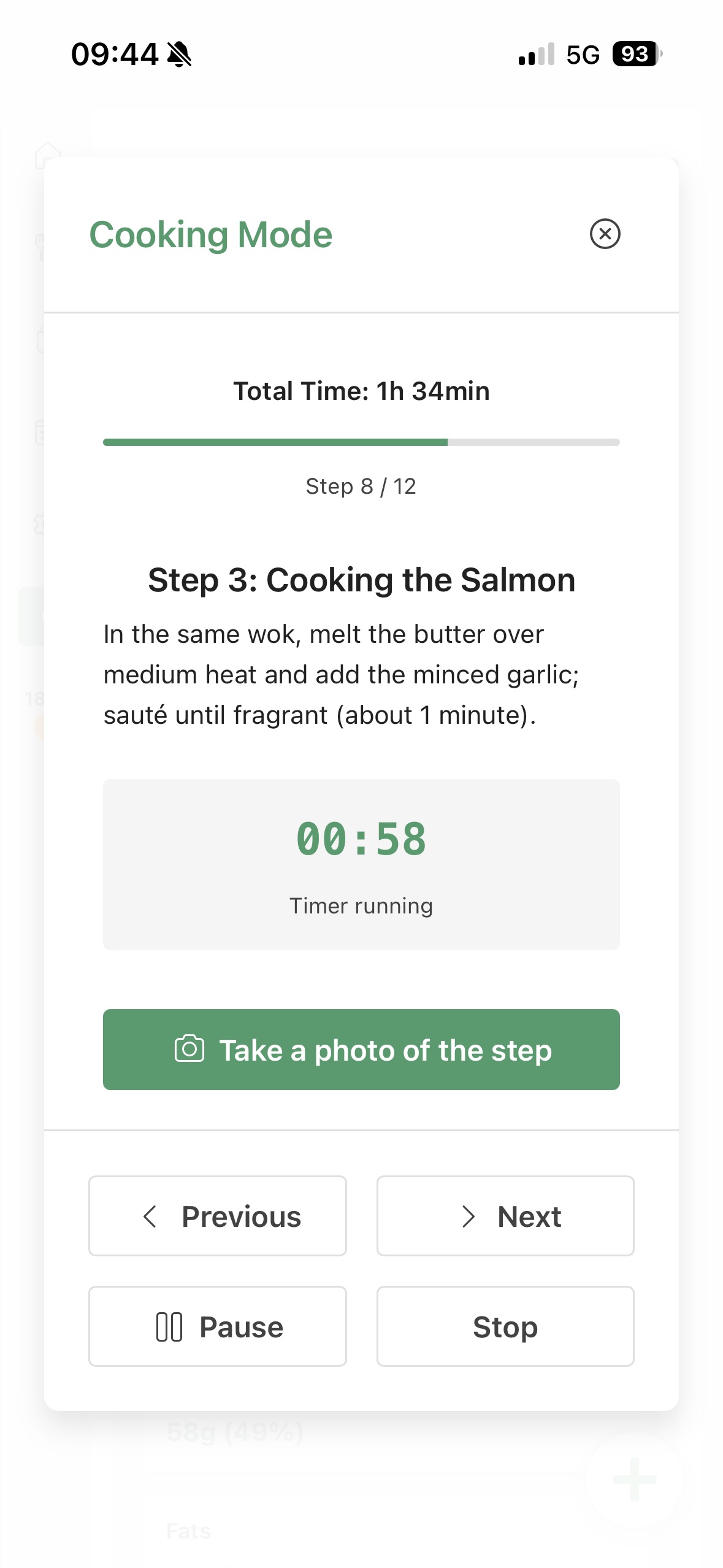
Cook Mode

Cook Mode is where
the plan becomes dinner.

Cook Mode keeps the adapted ingredients, steps, swaps, and timers together, so dinner does not depend on memory and five open tabs.

Cook Mode interface for Step-by-step cooking app

“The most useful cooking instruction is often not more detail. It is the right next step at the right moment.”

Readable cooking confidence
Common questions answered

Step-by-step cooking app,
without the kitchen scramble.

What is a step-by-step cooking app?

It is an app that turns recipes into clear cooking steps, often with timers, prep order, and guidance while you cook.

Kale AI adds recipe adaptation and shopping-list context before Cook Mode.

How does Cook Mode help with dinner?

Cook Mode keeps instructions, timing, swaps, and side-dish steps in one readable sequence.

That can reduce stove-side guessing and tab switching.

Can AI turn recipes into cooking steps?

Yes. AI can help break a recipe into ordered steps, adapt ingredients, and keep timing clearer.

Kale AI connects that to your profile and shopping list.

What should a guided cooking app include?

Useful guided cooking should include readable steps, timers, prep order, ingredient swaps, and clear finishing cues.

Kale AI focuses on the plan-to-cook path.

How do I cook without missing steps?

Use a single sequence that includes prep, cooking, sides, swaps, and timers instead of juggling notes.

Cook Mode is built for that sequence.

How does Kale Diary help with cooking confidence?

Kale Diary helps you notice which cooking routines repeat and where dinner often gets confusing.

Then Kale AI can plan and guide around those patterns.

References for practical cooking

Useful context,
clearer cooking steps.

Kale AI is a food planning and cooking app. These public references provide context for practical cooking timing, ingredient comparisons, and meal structure.

Original Cook Mode note: Across our step-by-step cooking examples, the recurring defaults are visible prep order, integrated timers, side-dish reminders, and swap notes kept inside Cook Mode.

Cooking charts

Public cooking charts support home-kitchen timing

FoodSafety.gov publishes cooking charts with times and temperatures that can help home cooks plan practical cooking steps.

FoodSafety.gov

Database

Food composition data supports ingredient comparisons

USDA FoodData Central provides public food composition data for ingredients and staples used when comparing recipe swaps and grocery-list choices.

USDA FoodData Central

5 groups

MyPlate uses five food groups as a planning model

USDA MyPlate presents fruits, vegetables, grains, protein foods, and dairy as a simple food-group model that can help structure practical dinners.

USDA MyPlate

Cook dinner from clear steps that already include your profile and swaps.

No credit card. No sign-in required. Set your profile once and let the plan, shopping list, and Cook Mode follow it.

QR code to download Kale AI Scan to download

Available on iOS and Android · Kale AI · Good Kitchen Vibes