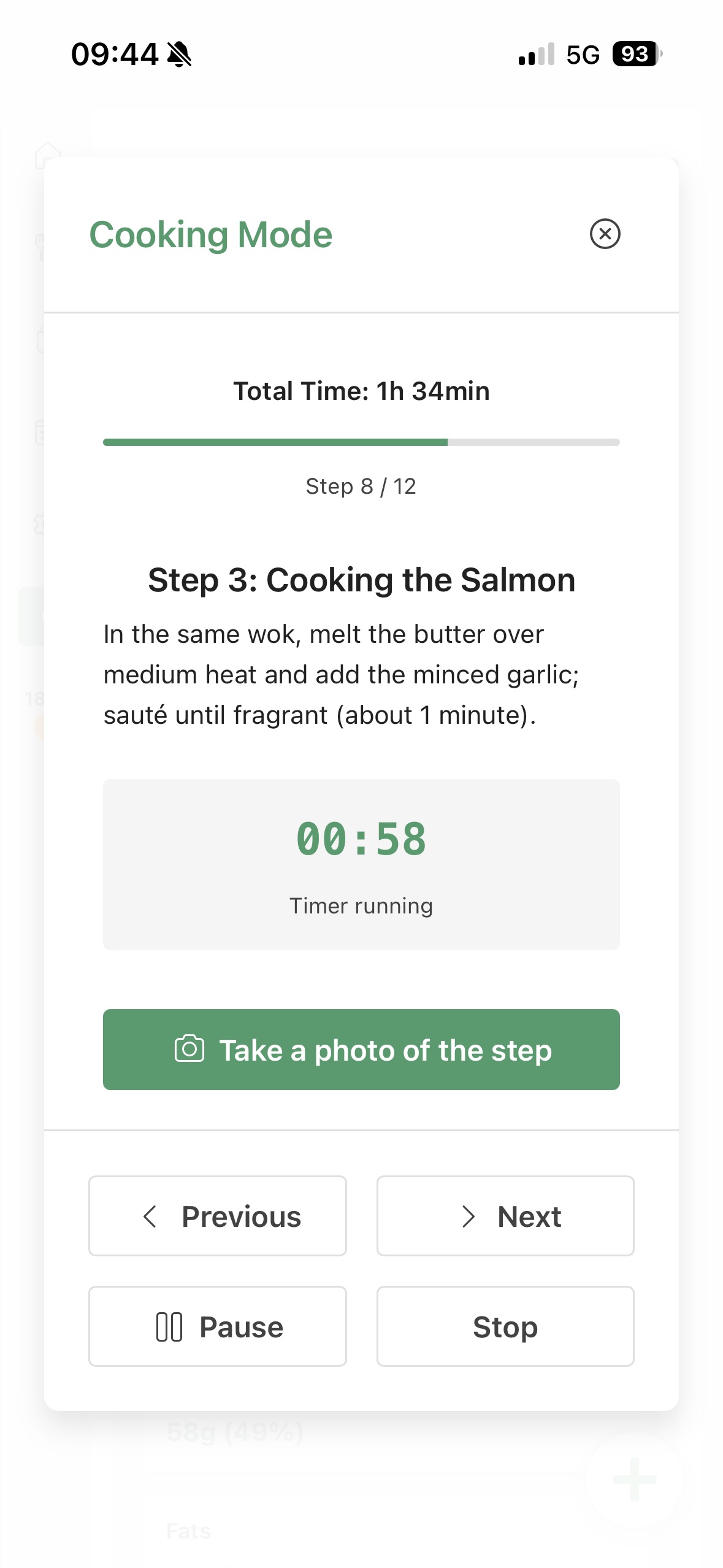




Recipe app with timers

Recipe timers
where the recipe actually is.

No separate timer app. No lost sauce step. No tab ballet.

Kale AI turns planned or adapted recipes into Cook Mode with built-in timers, readable steps, swap notes, and side-dish timing so the cooking flow stays together.

Recipe timers Cook Mode Step-by-step Adapted recipes Meal plans Shopping list
The old way

A timer is useful.
A timer attached to the right step is better.

Phone timers do not remember what they were timing.

Cook Mode keeps timers attached to the cooking step.

Recipe swaps can change timing.

Kale AI can carry adapted ingredients and timing into the method.

Sides and mains often compete for attention.

Timers and step order help the whole dinner finish together.

Kale Diary · Free companion tool

Not sure where timing goes wrong?

Notice your cooking patterns first. Then plan and cook around them.

Before you decide what your kitchen flow should remember, it helps to notice what already repeats. Kale Diary is a free companion tool — log what you ate, note how the day felt, and let repeated meals and routines become easier to see. No barcodes. No database. As fast as a text message.

After a few days, Kale Diary can help you spot timing problems, missing sides, repeated shortcuts, and dinner routines that keep showing up in your notes.

Once you know what you want your kitchen profile to remember, Kale AI turns those preferences into plans, shopping lists, adapted recipes, and Cook Mode steps.

Kale Diary → notice patterns. Kale AI → plan and cook around them.

Try Kale Diary free Web-based · Works offline · Your data stays on your device
Cook Mode examples

A timer should know
what it is timing.

Recipe timers work best when they are attached to the cooking sequence, not floating separately on your phone.

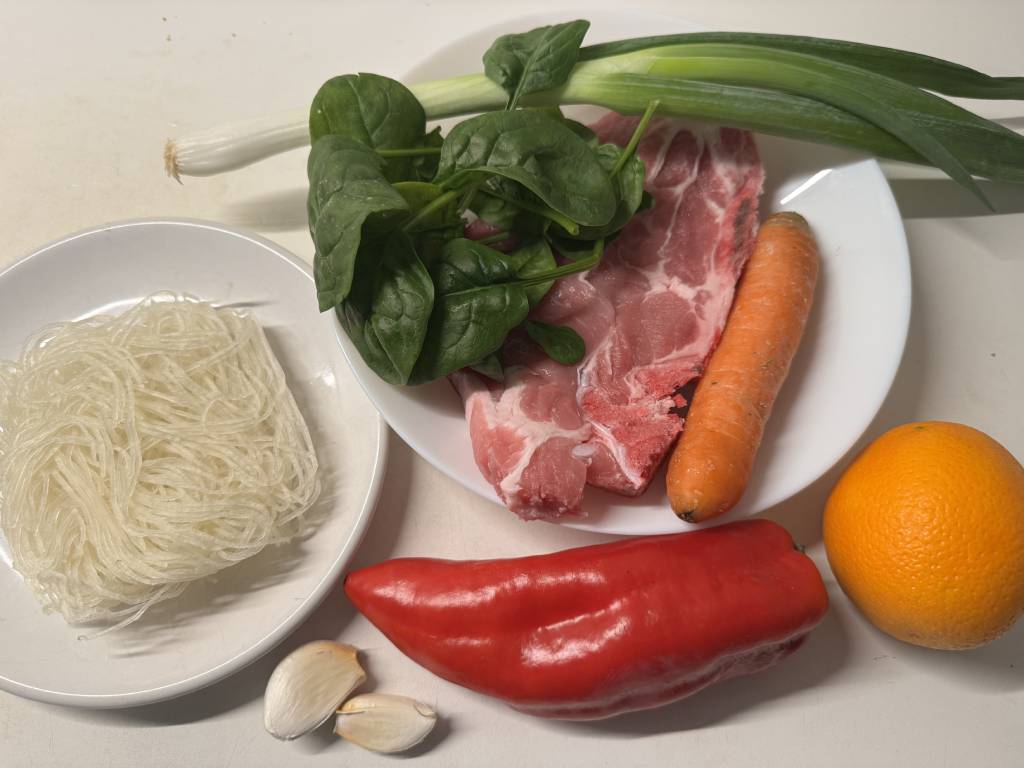
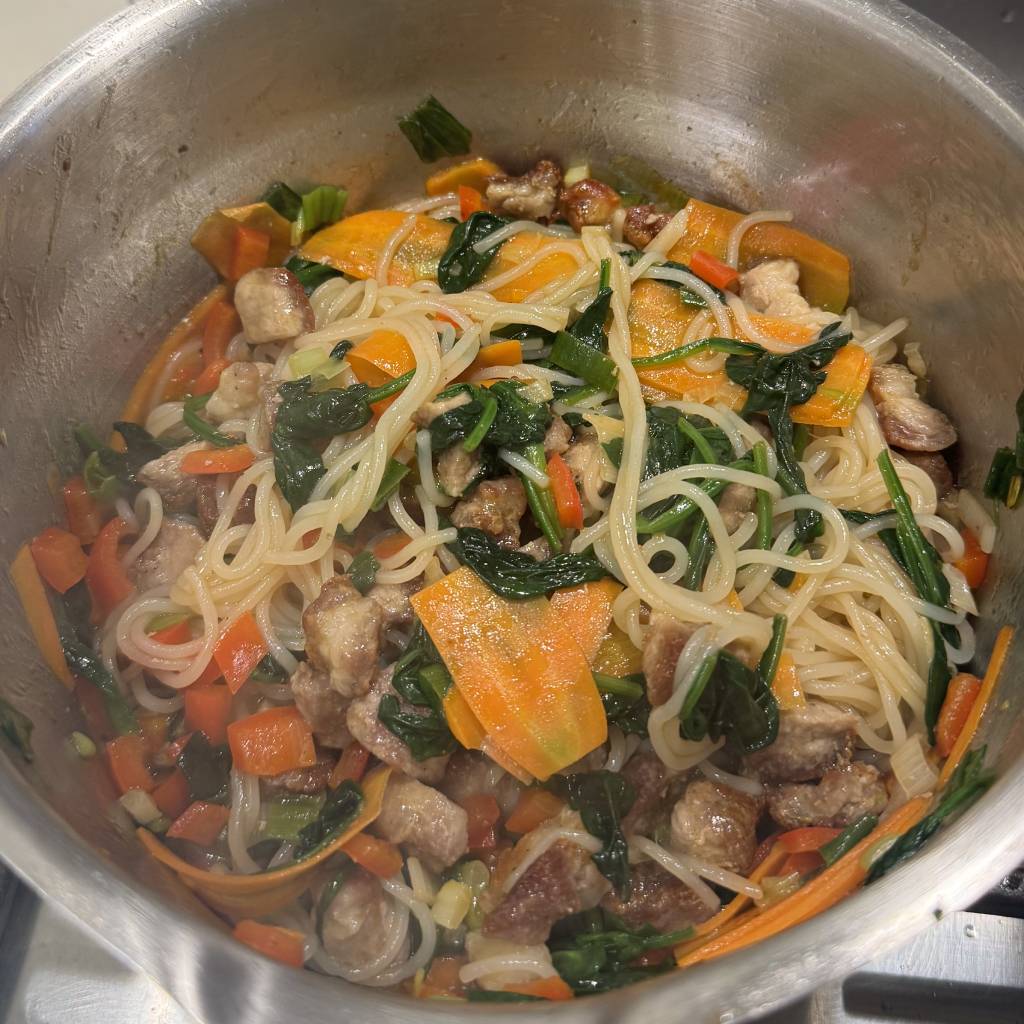
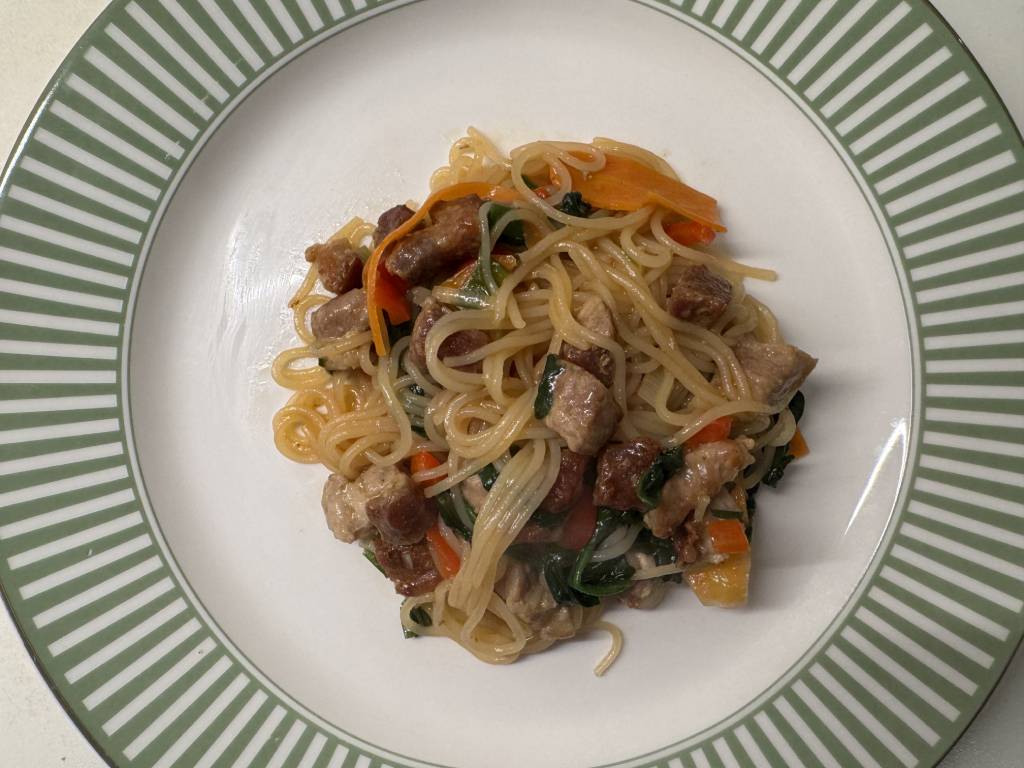
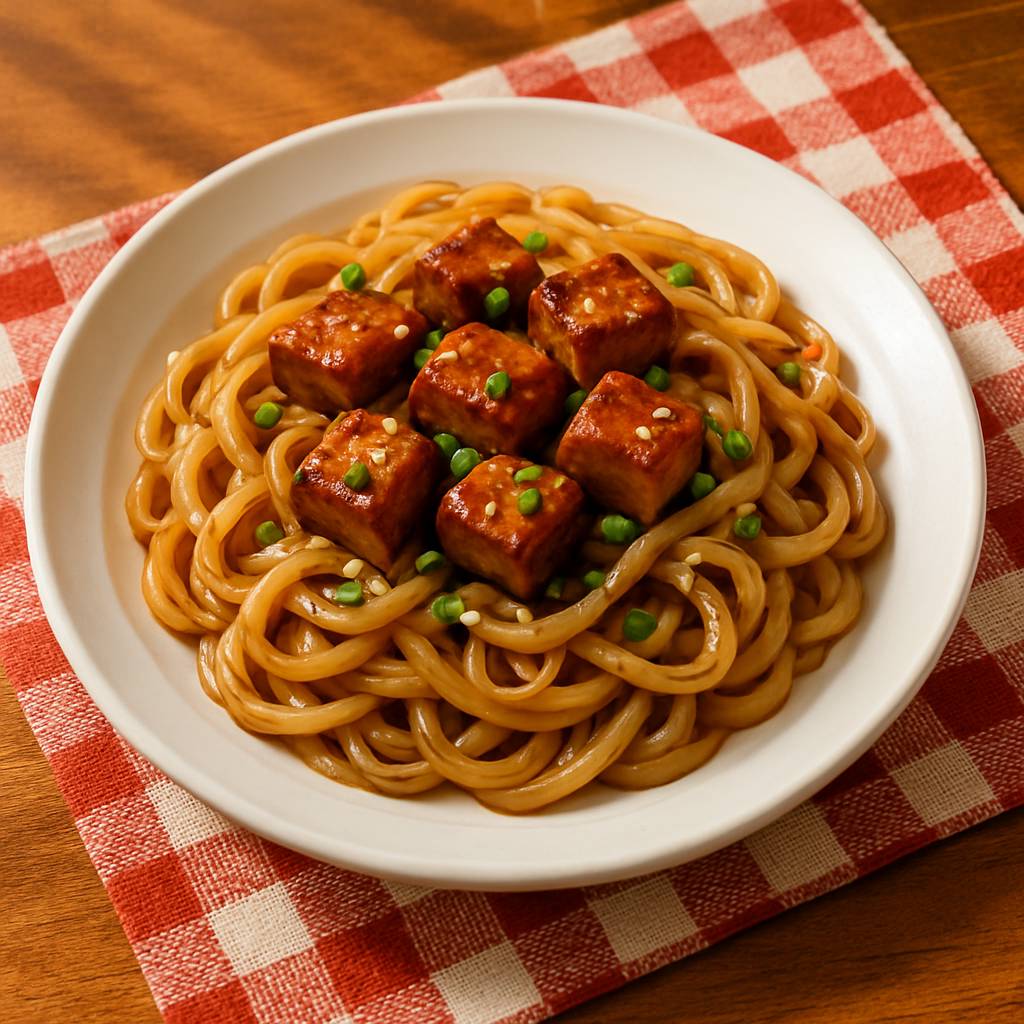
Citrus Ginger Noodles shown in Kale AI Cook Mode
Skillet timer

Citrus Ginger Noodles

30 min · Sear and sauce timers
  • From Guess the sear
  • To Timed protein step
  • Plus Sauce finish reminder
Preparing Citrus Ginger Noodles Cooking Citrus Ginger Noodles Finished Citrus Ginger Noodles

Kale AI can make citrus ginger noodles easier to cook by keeping timing, swaps, groceries, and Cook Mode steps connected.
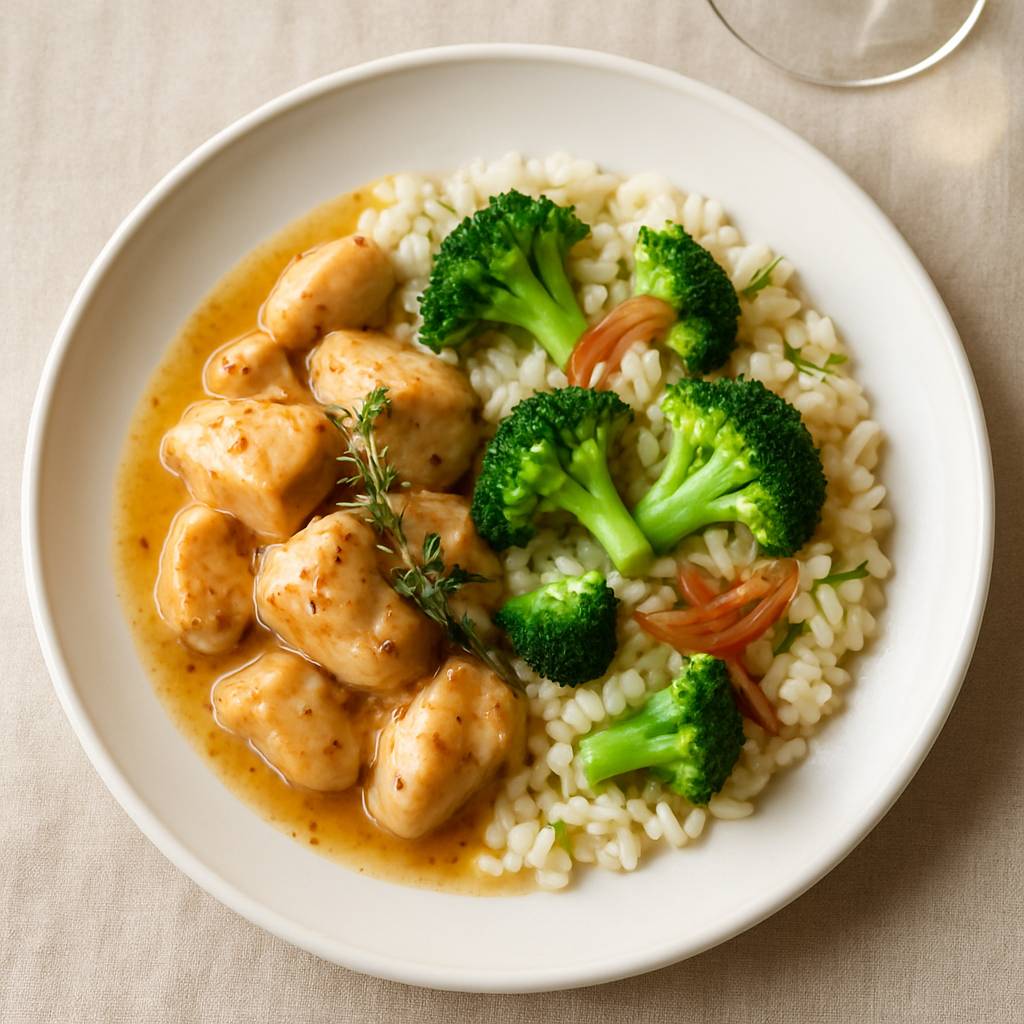

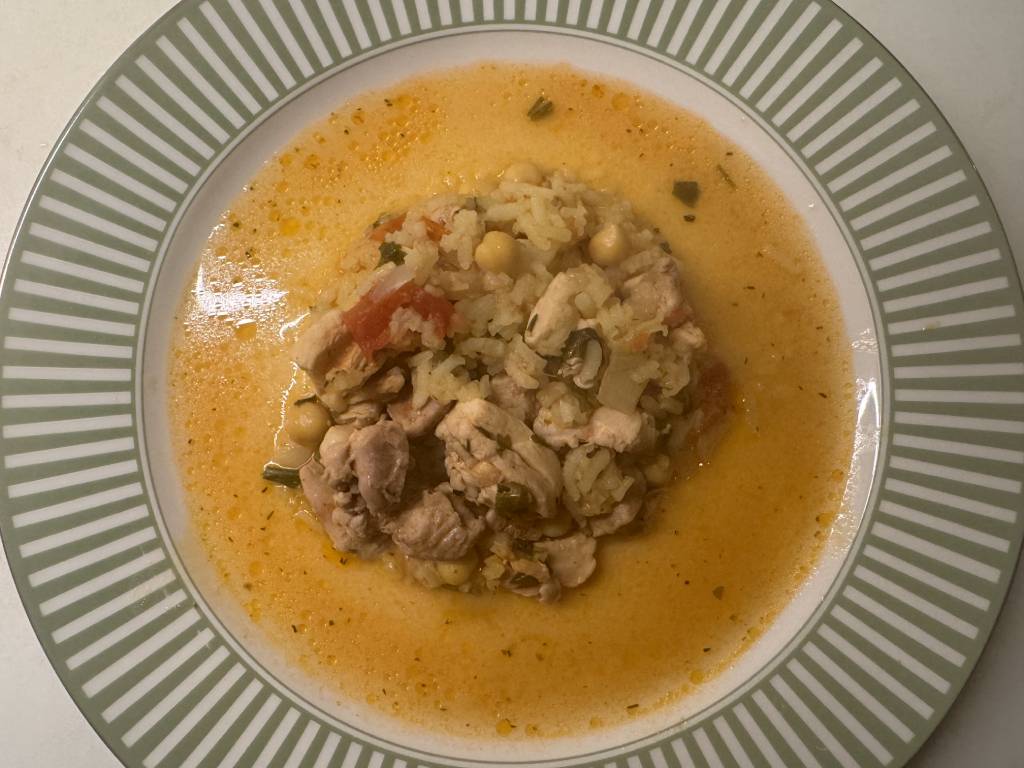
Herby Chicken Rice shown in Kale AI Cook Mode
Rice timer

Herby Chicken Rice

20 min · Side timing
  • From Side finishes late
  • To Rice timer attached
  • Plus Greens cue

Kale AI can make herby chicken rice easier to cook by keeping timing, swaps, groceries, and Cook Mode steps connected.
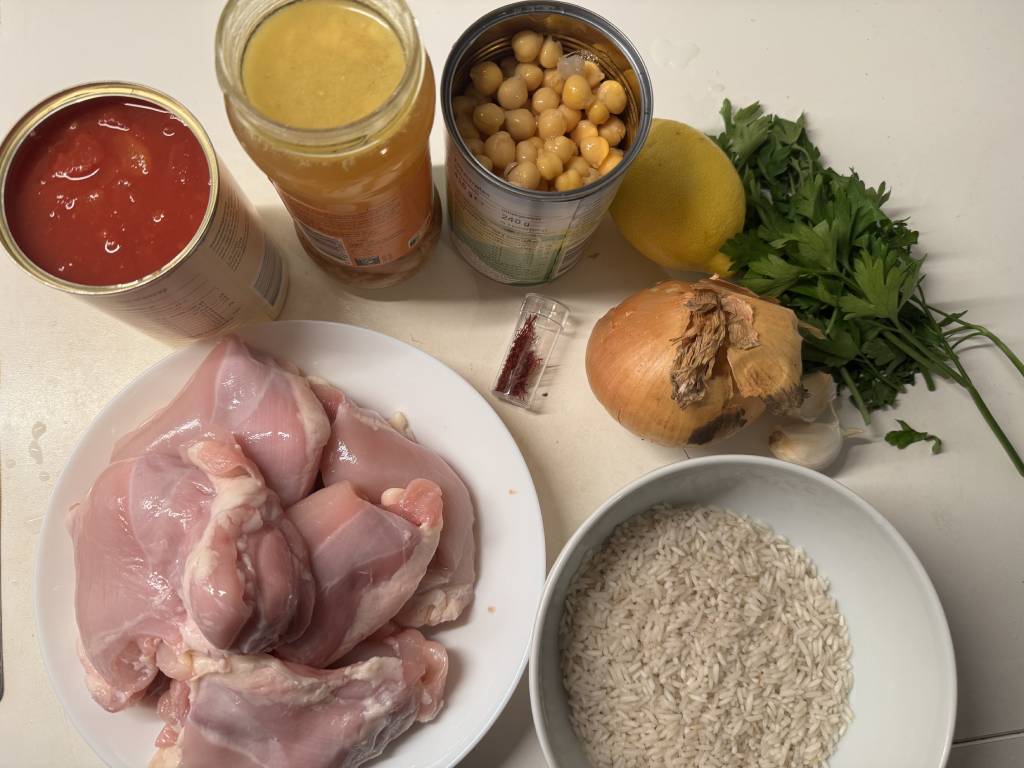
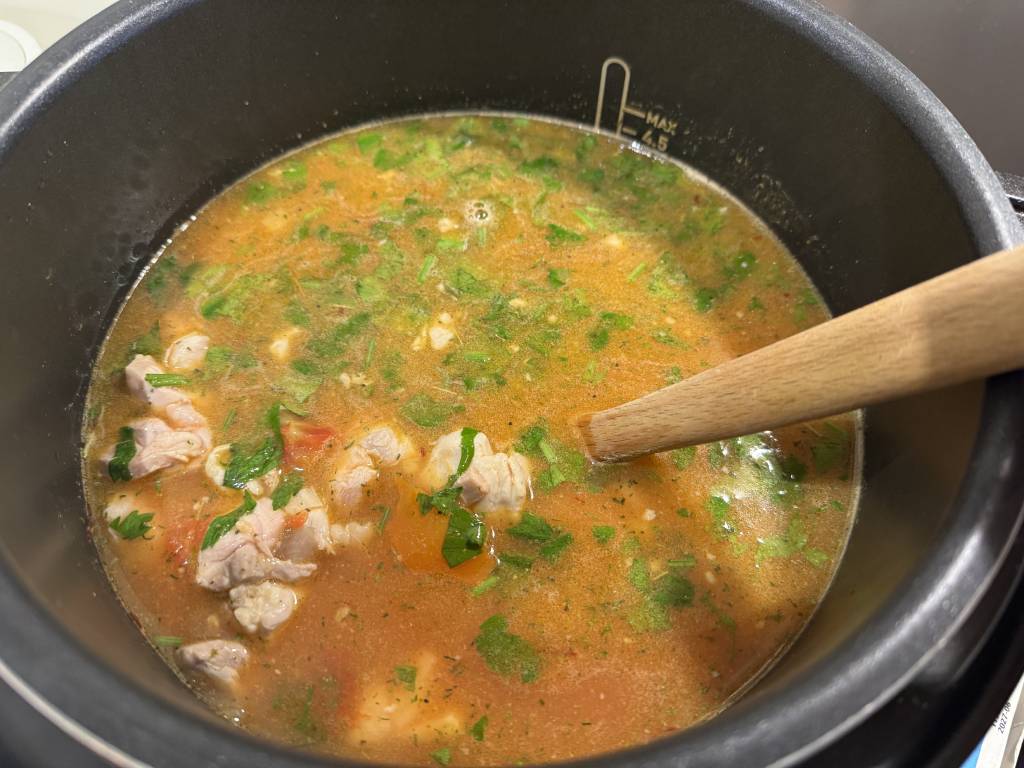
Smoky Cazuela shown in Kale AI Cook Mode
Simmer timer

Smoky Cazuela

45–60 min · One-pot timing
  • From Check constantly
  • To Simmer and rest timers
  • Plus Finish cue
Preparing Smoky Cazuela Cooking Smoky Cazuela Finished Smoky Cazuela

Kale AI can make smoky cazuela easier to cook by keeping timing, swaps, groceries, and Cook Mode steps connected.
The Kale AI way

Adapt the recipe.
Attach the timer to the step.

01

Choose the recipe.

Start from a meal plan, saved idea, or generated dinner that fits your profile.

02

Open Cook Mode.

Kale AI turns the adapted method into steps with timers where timing matters.

03

Cook without timer translation.

The timer label, ingredient, and action stay together so you know what is happening next.

Cook Mode

Timers with context
beat mystery alarms.

Cook Mode keeps timers inside the step they belong to, alongside the adapted ingredient and method notes.

Cook Mode interface for Recipe app with timers

“A mystery alarm in the kitchen is just a tiny panic button. A good timer knows the sauce, the side, and the next move.”

Timers with dinner context
Common questions answered

Recipe app with timers,
without the kitchen scramble.

What is a recipe app with timers?

It is a recipe app that includes timers inside the cooking instructions instead of making you use a separate timer workflow.

Kale AI includes timers in Cook Mode.

Why are built-in recipe timers useful?

Built-in timers keep timing connected to the exact cooking step, ingredient, and action.

That can make cooking easier to follow.

Can AI add timers to recipes?

Yes. AI can help identify steps that need timing and turn a recipe into a guided cooking sequence.

Kale AI connects timers to adapted recipes.

What recipe steps usually need timers?

Simmers, baking, roasting, rice, pasta, searing, resting, and sauce reductions often benefit from timers.

Cook Mode keeps those cues visible.

How do recipe timers help weeknight dinners?

They reduce attention cost by making the next timed step clear while you cook other parts of the meal.

Kale AI can keep sides and mains in one flow.

How does Kale Diary help with timer habits?

Kale Diary helps you notice where dinner timing often slips, such as late sides or forgotten sauces.

Then Kale AI can make those parts more visible in Cook Mode.

References for practical cooking

Useful context,
clearer cooking steps.

Kale AI is a food planning and cooking app. These public references provide context for practical cooking timing, ingredient comparisons, and meal structure.

Original Cook Mode note: Across our timed-recipe examples, the recurring timer needs are simmering one-pots, rice and grains, searing proteins, sauce reductions, and final resting steps.

Cooking charts

Public cooking charts support home-kitchen timing

FoodSafety.gov publishes cooking charts with times and temperatures that can help home cooks plan practical cooking steps.

FoodSafety.gov

Database

Food composition data supports ingredient comparisons

USDA FoodData Central provides public food composition data for ingredients and staples used when comparing recipe swaps and grocery-list choices.

USDA FoodData Central

5 groups

MyPlate uses five food groups as a planning model

USDA MyPlate presents fruits, vegetables, grains, protein foods, and dairy as a simple food-group model that can help structure practical dinners.

USDA MyPlate

Cook recipes with timers, swaps, and steps in one Cook Mode flow.

No credit card. No sign-in required. Set your profile once and let the plan, shopping list, and Cook Mode follow it.

QR code to download Kale AI Scan to download

Available on iOS and Android · Kale AI · Good Kitchen Vibes