



Find food patterns and plan meals

Find food patterns first.
Then plan meals with better defaults.

Notice, decide, plan, cook.

Kale Diary helps repeated meals and routines become visible. Kale AI then turns the patterns you choose into realistic meals, adapted recipes, shopping lists, and guided Cook Mode steps.

Find patterns Plan meals Food diary Kale Diary Kale AI Cook Mode
The old way

Meal planning is harder
when you do not know what to plan around.

Starting from a blank page creates too many choices.

Food patterns give the plan a starting point.

A diary without a planning handoff can stall.

Kale AI turns chosen observations into dinner defaults.

Patterns need interpretation, not judgement.

You decide what to keep, vary, or avoid repeating.

Kale Diary · Free companion tool

Notice the pattern, then choose the default.

Find the pattern first. Then plan from the defaults you choose.

Kale Diary is a free companion tool — log what you ate, note how the day felt, and let repeated meals and ingredients become easier to see. No barcodes. No database. As fast as a text message.

After a few days, Kale Diary can help you spot repeated meals, ingredients, sauces, grocery habits, and dinner routines that keep showing up in your notes.

Once you know what you want your kitchen profile to remember, Kale AI turns those preferences into meals, swaps, groceries, and cooking steps.

Kale Diary → notice patterns. Kale AI → plan and cook around them.

Try Kale Diary free Web-based · Works offline · Your data stays on your device
Diary-to-planning examples

The loop is simple:
notice, decide, plan, cook.

Food pattern discovery matters because it can make the next meal plan more realistic.

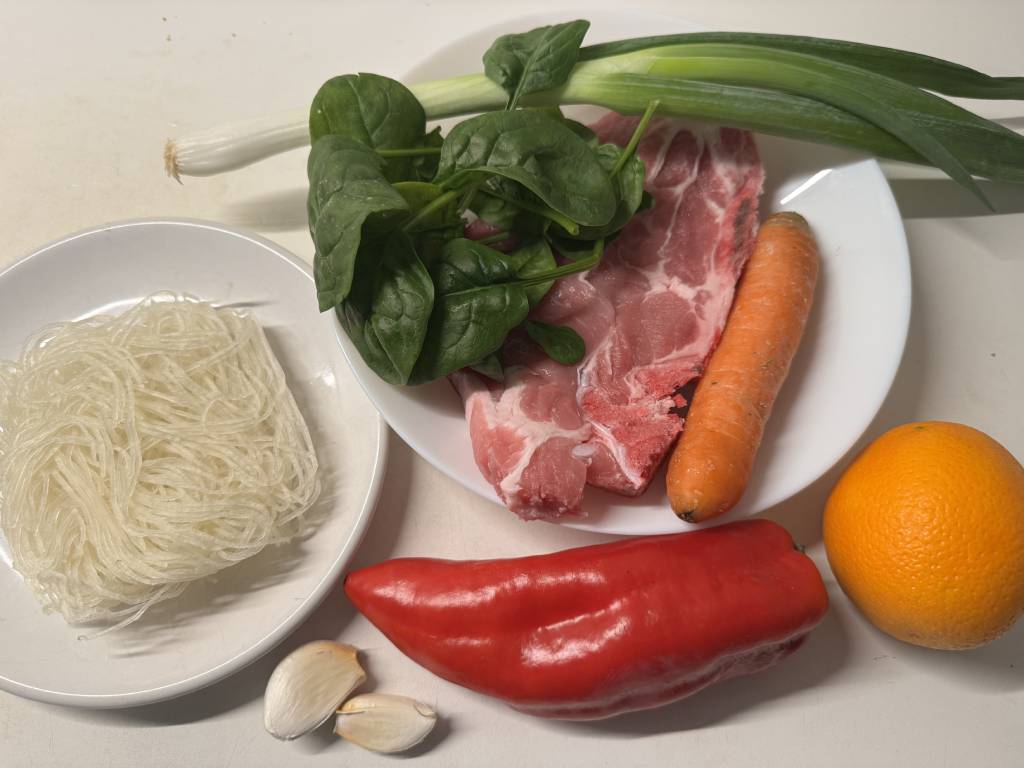
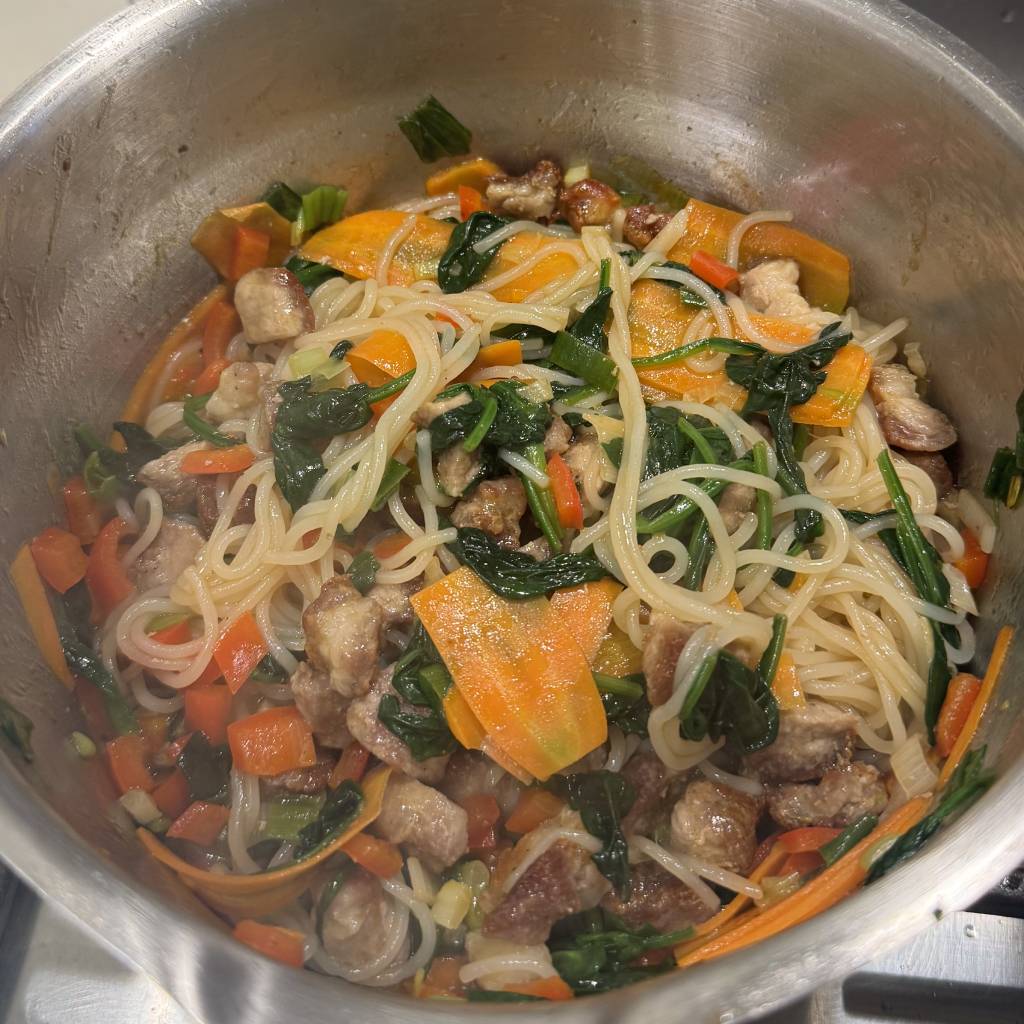
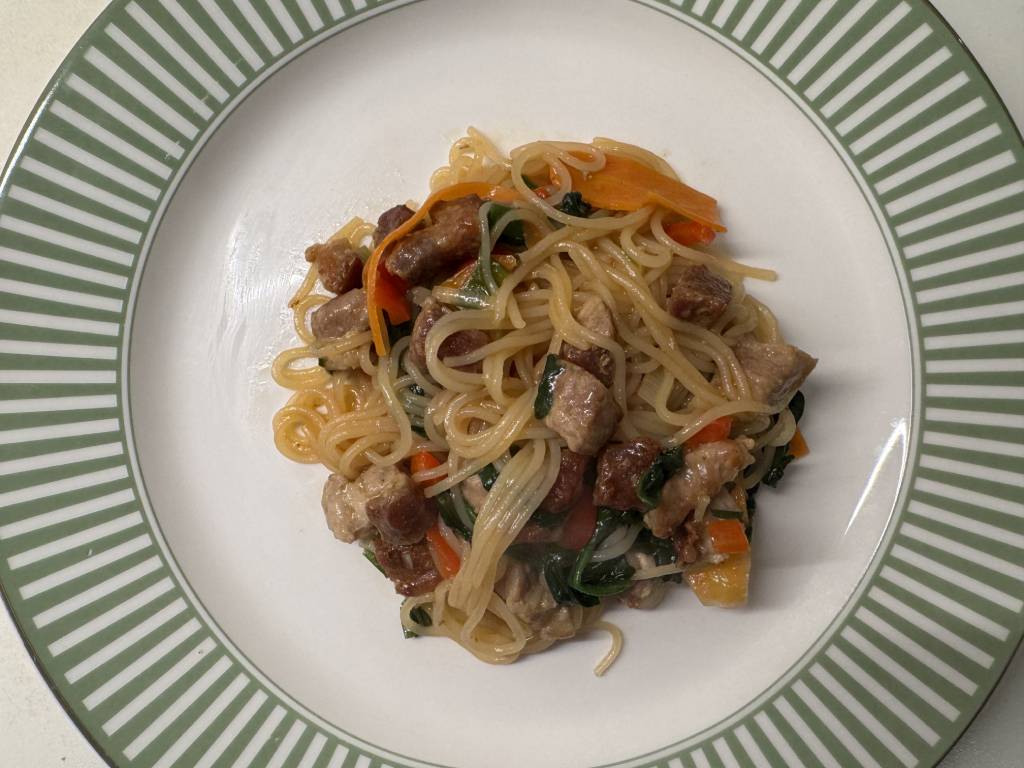
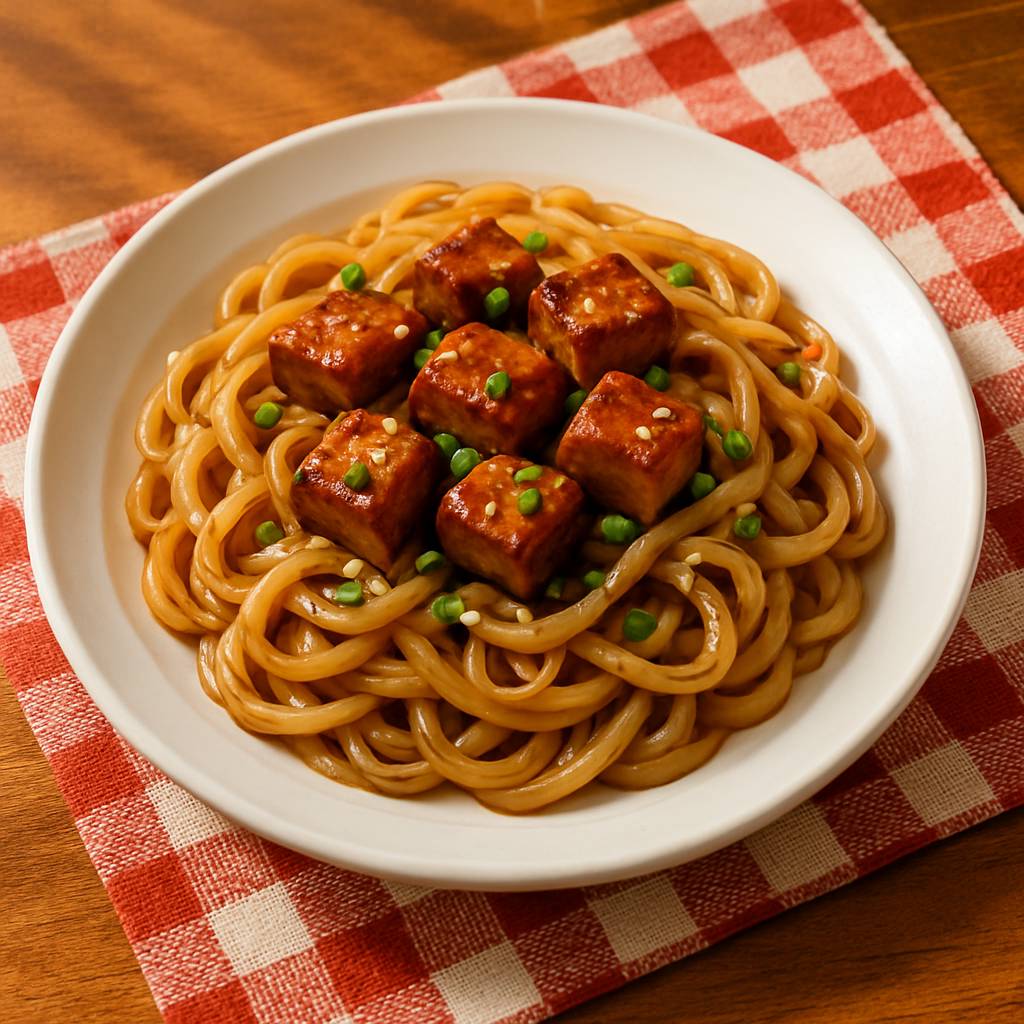
Repeated Bowls shown as a Kale AI diary-to-planning example
Notice

Repeated Bowls

Pattern found
  • From Memory blur
  • To Visible format
  • Then Rotate toppings
Preparing Repeated Bowls Using Repeated Bowls in a planning flow Finished Repeated Bowls planning example

Kale AI can use repeated bowls as a practical example of turning notes, preferences, groceries, and Cook Mode into one dinner flow.


Preference Defaults shown as a Kale AI diary-to-planning example
Decide

Preference Defaults

Choose what matters
  • From All patterns
  • To Selected defaults
  • Then Profile updated

Kale AI can use preference defaults as a practical example of turning notes, preferences, groceries, and Cook Mode into one dinner flow.
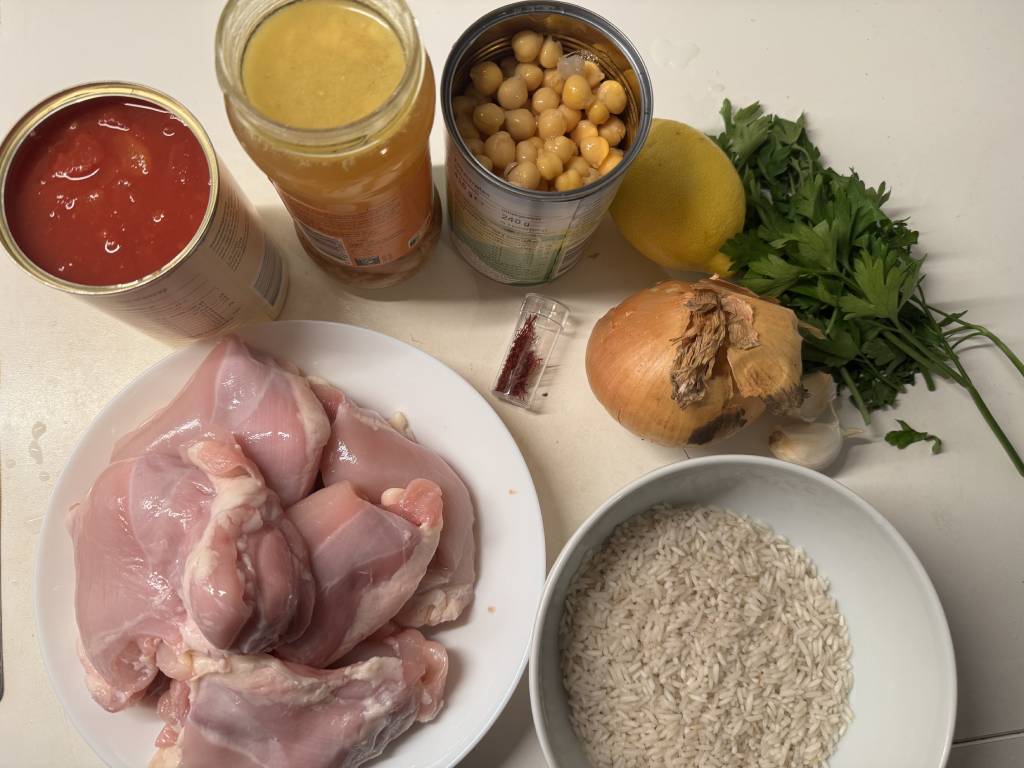
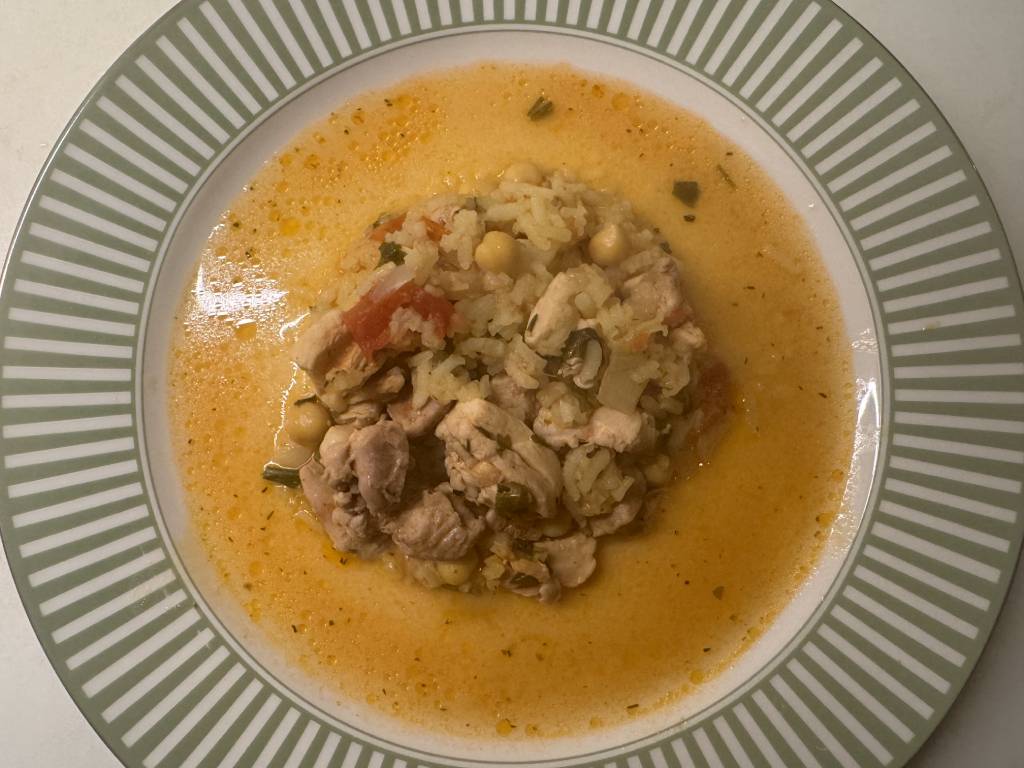
Meals and Groceries shown as a Kale AI diary-to-planning example
Plan

Meals and Groceries

Kale AI flow
  • From Chosen defaults
  • To Weekly dinners
  • Then Cook Mode
Preparing Meals and Groceries Using Meals and Groceries in a planning flow Finished Meals and Groceries planning example

Kale AI can use meals and groceries as a practical example of turning notes, preferences, groceries, and Cook Mode into one dinner flow.
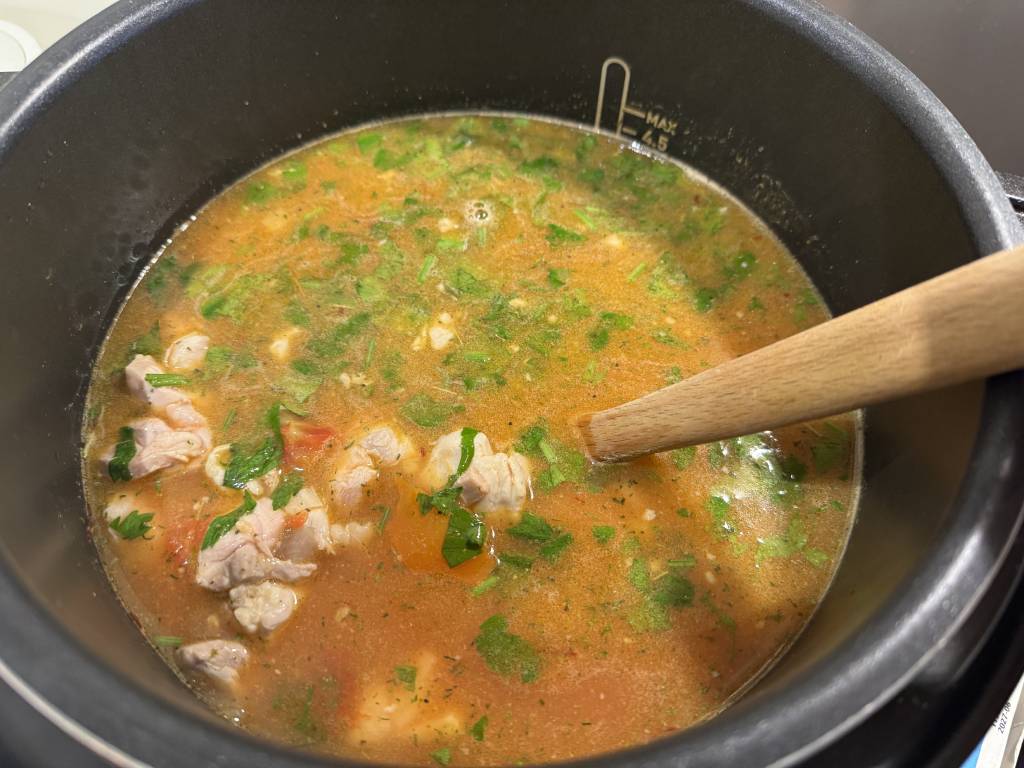
The Kale AI way

Find the pattern.
Give it somewhere to go.

01

Log meals in Kale Diary.

Capture simple notes about meals, ingredients, timing, and routines.

02

Choose useful patterns.

Look for repeats that should become preferences, variety goals, shopping defaults, or cooking constraints.

03

Plan meals in Kale AI.

Turn those choices into dinners, recipe adaptations, groceries, and Cook Mode steps.

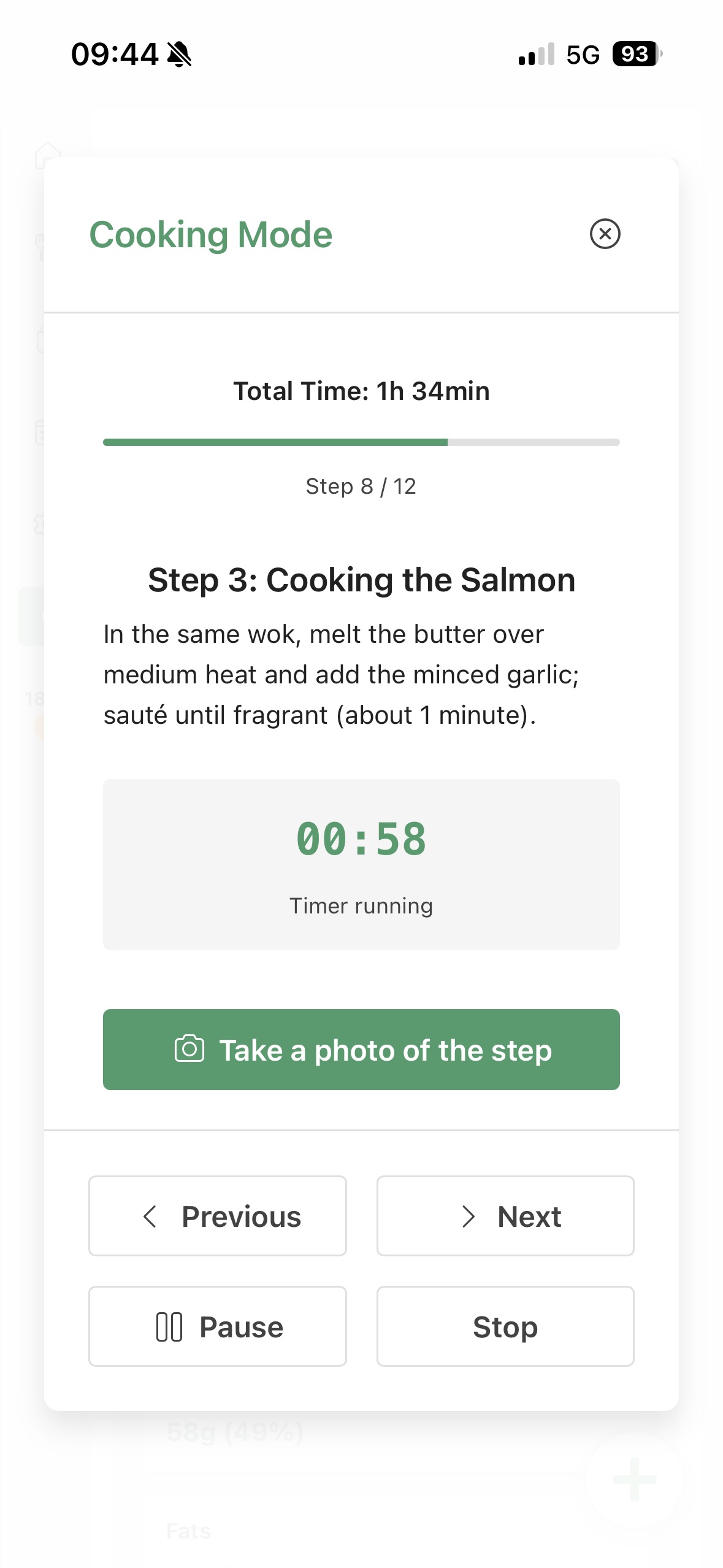
Cook Mode

Pattern discovery
meets dinner execution.

Kale AI turns selected patterns into practical meal plans and the steps needed to cook them.

Cook Mode interface for Find food patterns and plan meals

“The diary is the noticing tool. The meal planner is the doing tool. The magic is the handoff.”

Notice to dinner
Common questions answered

Find food patterns and plan meals,
with a practical next step.

How can I find food patterns?

Log meals as simple notes for several days, then look for repeated meals, ingredients, cuisines, sides, sauces, or routines.

Kale Diary helps make those repeats visible.

How do food patterns help meal planning?

Patterns show what you already cook, what gets skipped, and what groceries or meal formats deserve defaults.

Kale AI turns selected patterns into plans.

What is the easiest way to connect a food diary to meal planning?

Use the diary to notice repeats, choose the preferences you want to remember, then plan meals from those defaults.

Kale Diary and Kale AI are designed for that handoff.

Can AI plan meals from food patterns?

Yes. AI can use chosen preferences and patterns to suggest meals, adapt recipes, and build shopping lists.

Kale AI keeps the plan practical with Cook Mode.

What patterns should I keep?

Keep patterns that make planning easier: favourite meal formats, useful staples, preferred cuisines, time limits, and fallback dinners.

You can also choose patterns you want more variety around.

How does Cook Mode fit in?

Cook Mode turns the planned meals into step-by-step cooking so the pattern-based plan can actually become dinner.

It is the final part of the loop.

References for practical food planning

Useful context,
better planning defaults.

Kale AI is a food planning and cooking app. These public references provide context for ingredient comparison, meal structure, and practical planning.

Original diary-to-planning note: Across our pattern-to-plan examples, the recurring handoff is repeated meal format → chosen profile default → shopping list item → Cook Mode step.

Database

Food composition data supports ingredient comparisons

USDA FoodData Central provides public food composition data for ingredients and staples used when comparing groceries, meals, and recipe swaps.

USDA FoodData Central

5 groups

MyPlate uses five food groups as a planning model

USDA MyPlate presents fruits, vegetables, grains, protein foods, and dairy as a simple public food-group model for meal structure.

USDA MyPlate

Variety

Public guidance emphasizes variety across food groups

The Dietary Guidelines for Americans emphasize varied food choices across food groups, which is useful context for turning repeated notes into more flexible planning defaults.

Dietary Guidelines for Americans, 2020–2025

Find food patterns, choose your defaults, and plan meals from there.

No credit card. No sign-in required. Start with the patterns you notice, then let the plan, shopping list, and Cook Mode follow your chosen defaults.

QR code to download Kale AI Scan to download

Available on iOS and Android · Kale AI · Good Kitchen Vibes